

You don’t need a publisher to become an author anymore. In 2026, over 2.3 million books were published through Amazon’s Kindle Direct Publishing platform, with first-time authors earning an average of $500-$5,000 from their debut books. The traditional gatekeepers of publishing have been replaced by a simple upload button that can transform anyone with a story or expertise into a published author within 72 hours.
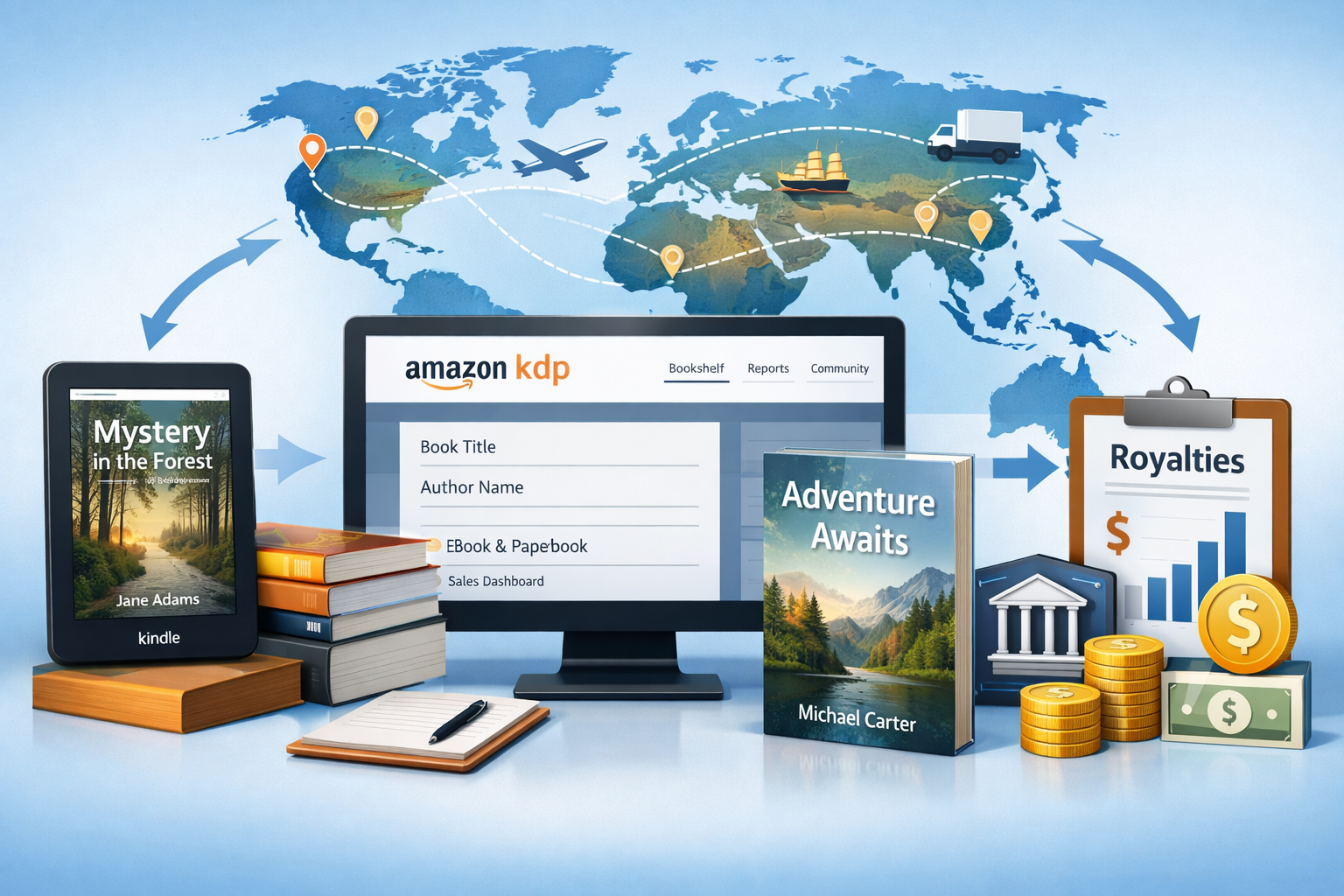
Learning how to write a book on Amazon opens doors to passive income, personal branding, and creative fulfillment. Amazon’s Kindle Direct Publishing (KDP) has democratized the publishing industry, allowing writers to reach millions of readers worldwide without agents, publishers, or upfront costs. This comprehensive guide will walk you through every step of the process, from choosing your book idea to collecting your first royalty payment.
Key Takeaways
• Amazon KDP is completely free – No upfront costs to publish your book on the world’s largest marketplace
• Publishing is fast – Your book goes live within 24-72 hours after submission
• Multiple formats available – Publish as eBook, paperback, or hardcover to maximize revenue
• Global reach – Access to millions of readers across Amazon’s international marketplaces
• You retain full control – Keep your rights, set your prices, and make changes anytime
What Does It Mean to Write a Book on Amazon?
When people say “write a book on Amazon,” they’re referring to the complete process of creating and publishing a book through Amazon’s Kindle Direct Publishing (KDP) platform. You write the book yourself using any word processor, then upload your finished manuscript to Amazon’s system where it becomes available for purchase as an eBook, paperback, or hardcover.
KDP serves as your publisher, distributor, and payment processor all in one. Unlike traditional publishing, where authors need literary agents and publishing contracts, Amazon allows anyone to become a published author instantly. The platform handles printing, shipping, customer service, and international distribution while you focus on writing and marketing.
Benefits of Amazon’s Publishing Platform
Free to Publish 📚
Amazon charges zero upfront fees. You only pay when books are sold through their printing costs (for physical books) and their commission structure.
Global Audience 🌍
Your book automatically becomes available in Amazon marketplaces across the United States, United Kingdom, Canada, Australia, and dozens of other countries.
Complete Control ⚡
You set your own prices, make unlimited edits, and retain all rights to your work. Traditional publishers often require authors to sign away these freedoms.
Why Choose Amazon to Publish Your Book
Amazon dominates the book market with over 67% of all book sales in the United States flowing through their platform. This massive market share means choosing Amazon gives your book the highest probability of finding readers and generating sales.
Low Barrier to Entry
Traditional publishing requires authors to write query letters, find literary agents, and wait months or years for responses. Many excellent books never see publication because they don’t fit current market trends or publisher preferences. Amazon eliminates these barriers entirely – if you can write a book, you can publish it.
Passive Income Potential 💰
Once published, your book can generate income for years without additional work. Many authors report earning $100-$1,000+ monthly from books they published years ago. Authors who self-publish books must do way more than write books, but the long-term financial rewards often justify the extra effort.
Fast Publishing Timeline
Traditional publishers typically take 12-18 months to bring a book to market after accepting a manuscript. Amazon’s system publishes books within 24-72 hours, allowing you to test ideas quickly and respond to market demands.
Multiple Format Options
Amazon supports three main formats:
| Format | Best For | Royalty Rate |
|---|---|---|
| eBook (Kindle) | Fiction, how-to guides, quick reads | 35% or 70% |
| Paperback | Non-fiction, workbooks, gifts | 60% minus printing costs |
| Hardcover | Premium books, coffee table books | 60% minus printing costs |
Step-by-Step: How to Write a Book for Amazon
Step 1: Choose a Profitable Book Idea
Successful Amazon books solve specific problems or entertain targeted audiences. Rather than writing about broad topics, focus on narrow niches where you can become the go-to expert.
Research Demand Using Amazon Search 🔍
Type potential book topics into Amazon’s search bar and observe the autocomplete suggestions. These represent real searches from potential readers. Look for topics with multiple suggested completions but fewer than 1,000 competing books.
Analyze Bestseller Lists
Browse Amazon’s bestseller categories relevant to your expertise. Note common themes, title structures, and cover designs among top-performing books. This research reveals what readers currently want to buy.
Problem-Solution Framework
The most successful non-fiction books address specific pain points:
- “How to train a rescue dog with anxiety”
- “Meal prep for busy single parents”
- “Starting a freelance business after 50”
For fiction, focus on underserved subgenres or unique twists on popular themes.
Step 2: Create a Simple Outline
Transform your book idea into a structured outline before writing. This roadmap prevents writer’s block and ensures logical flow.
Chapter-by-Chapter Breakdown
Most successful Amazon books contain 8-15 chapters of 1,500-3,000 words each. Shorter books (20,000-40,000 words) often perform better than lengthy tomes because readers can finish them quickly and leave positive reviews.
Focus on Clarity and Flow
Each chapter should build upon previous concepts while standing alone as valuable content. Use this simple structure:
- Hook – Grab attention with a story, statistic, or bold statement
- Promise – Tell readers what they’ll learn or gain
- Content – Deliver on your promise with actionable information
- Transition – Connect to the next chapter
Step 3: Write Your First Draft
Consistency beats perfection when writing your first draft. Many successful Amazon authors write just 500-1,000 words daily, completing full-length books in 30-60 days.
Set a Daily Writing Goal ✍️
Choose a realistic target based on your schedule:
- 500 words/day = 30,000-word book in 60 days
- 1,000 words/day = 30,000-word book in 30 days
- 1,500 words/day = 30,000-word book in 20 days
Recommended Writing Tools
Google Docs – Free, cloud-based, automatic saving
Microsoft Word – Industry standard with advanced formatting
Scrivener – Professional writing software with research organization
Many authors also explore whether AI can write a book for them to speed up the initial drafting process, though human editing remains essential.
Step 4: Edit and Improve Your Book
Raw first drafts rarely succeed on Amazon. Readers expect professional quality, even from self-published authors. Plan for multiple editing rounds to transform your manuscript into a polished product.
Self-Editing First Pass
Read your entire manuscript aloud, noting awkward phrasing, repetitive words, and unclear explanations. This technique catches errors that silent reading misses.
Use Digital Editing Tools 🔧
- Grammarly – Catches grammar, spelling, and style issues
- Hemingway Editor – Identifies complex sentences and passive voice
- ProWritingAid – Comprehensive writing analysis and suggestions
Focus on Readability and Value
Amazon readers prefer clear, conversational writing over academic jargon. Aim for a 7th-8th grade reading level using short sentences, simple words, and plenty of white space.
Step 5: Format Your Book for Amazon
Proper formatting ensures your book displays correctly across all devices and print formats. Poor formatting creates negative reader experiences and bad reviews.
eBook Formatting Requirements
- Standard fonts (Times New Roman, Arial, Calibri)
- Consistent heading styles
- Page breaks between chapters
- Linked table of contents
- No manual spacing or tabs
Print Book Formatting
- 6″ x 9″ trim size (most popular)
- Proper margins (0.75″ minimum)
- Readable font size (11-12pt)
- Professional chapter headers
- Correct page numbering
Formatting Tools 🛠️
- Kindle Create (Free Amazon tool)
- Canva (Templates and design elements)
- Vellum (Mac-only, premium formatting)
For detailed guidance, check out this resource on proper book formatting for self-published authors.
Step-by-Step: How to Publish Your Book on Amazon
Step 1: Create a KDP Account
Visit kdp.amazon.com and sign up using your existing Amazon account credentials. If you don’t have an Amazon account, create one first. Amazon will require tax information and payment details before you can publish.
Required Information 📋
- Legal name and address
- Tax identification number (SSN or EIN)
- Bank account for royalty payments
- Phone number for account verification
Step 2: Upload Your Manuscript
Click “Create New Title” and select your book type (eBook, paperback, or hardcover). Upload your formatted manuscript file and use Amazon’s previewer to check how your book appears on different devices.
Supported File Formats
- eBook: .doc, .docx, .epub, .mobi, .pdf
- Print: PDF only (with embedded fonts)
Step 3: Design Your Book Cover
Your cover is the most important marketing element of your book. Readers judge books by their covers, especially when browsing Amazon’s search results where covers appear as small thumbnails.
Cover Design Essentials 🎨
- Clear, readable title at thumbnail size
- Professional imagery relevant to your topic
- Consistent genre conventions (colors, fonts, layouts)
- High contrast for visibility
Design Tools and Options
- Canva – Templates and drag-and-drop design
- Book Brush – Specialized book cover creator
- 99designs – Hire professional designers
- Fiverr – Budget-friendly designer marketplace
Step 4: Write Your Book Description
Your book description serves as sales copy that convinces browsers to purchase. Use persuasive language that highlights benefits rather than features.
Effective Description Structure ✨
- Hook – Start with a compelling question or bold statement
- Problem – Identify the reader’s pain point
- Solution – Explain how your book helps
- Benefits – List specific outcomes readers will achieve
- Call to Action – Encourage immediate purchase
SEO Keywords
Include relevant keywords naturally throughout your description to improve search visibility. Research terms your target readers use when searching for books like yours.
Step 5: Set Pricing and Royalties
Amazon offers two royalty structures for eBooks:
35% Royalty Option
- Available for all price ranges
- Books priced $0.99-$2.98 or $9.99+
- No delivery costs deducted
70% Royalty Option 💸
- Books priced $2.99-$9.98 only
- Higher royalty rate but delivery costs apply
- Most popular choice for new authors
Pricing Strategies for Beginners
- $0.99-$2.99 – Build audience and reviews
- $3.99-$4.99 – Optimal price for most genres
- $5.99+ – Premium positioning for specialized content
Step 6: Publish Your Book
Review all information carefully, then click “Publish Your Book.” Amazon typically approves books within 24-72 hours, though complex formatting or content issues may cause delays.
Once live, your book becomes available for purchase worldwide through Amazon’s marketplace network.
How to Make Money from Your Amazon Book
Publishing your book is just the beginning of your earning potential. Smart authors leverage multiple revenue streams to maximize their Amazon book income.
Direct Sales Royalties 💰
Your primary income comes from direct book sales. Royalty payments arrive monthly, approximately 60 days after the sale month ends. For example, January sales are paid in late March.
Kindle Unlimited Page Reads
Enrolling in KDP Select makes your eBook available through Kindle Unlimited, Amazon’s subscription reading service. You earn approximately $0.004-$0.005 per page read, which can exceed direct sales income for engaging books.
Series Strategy for Recurring Income
Single books have limited earning potential. Successful Amazon authors build series that keep readers coming back:
- Fiction Series – Continuing characters and storylines
- Non-Fiction Series – Related topics with increasing complexity
- Workbook Series – Seasonal or progressive skill-building
Cross-Promotion Opportunities
Use your book as a marketing tool for other income streams:
- Consulting Services – Position yourself as an expert
- Online Courses – Expand on book topics with video content
- Speaking Engagements – Build authority in your field
- Email List Building – Include opt-in offers within your book
For more insights on monetization, explore whether you can make money writing a book on Amazon.
Tips for Success on Amazon
Choose a Niche Topic 🎯
Broad topics face overwhelming competition. Narrow niches allow you to dominate smaller markets and build dedicated readerships. “Dog Training” competes with thousands of books, but “Training Rescue Dogs with Separation Anxiety” targets a specific, underserved audience.
Optimize with Keywords
Include relevant keywords in your:
- Book Title – Primary keyword near the beginning
- Subtitle – Secondary keywords and benefits
- Description – Natural keyword integration
- Backend Keywords – Hidden search terms in KDP
Generate Early Reviews
Reviews significantly impact Amazon’s algorithm and buyer confidence. Strategies for earning honest reviews:
- Launch Team – Friends and family who commit to reading and reviewing
- Beta Readers – Provide free advance copies for feedback
- Professional Reviews – Services like Kirkus or BlueInk (paid options)
- Reader Magnets – Free bonus content in exchange for reviews
Maintain Publishing Consistency
Amazon’s algorithm favors active authors. Publishing regularly keeps you visible in search results and builds reader anticipation. Many successful authors publish:
- Monthly – Short books or novellas
- Quarterly – Full-length novels or comprehensive guides
- Bi-annually – Extensive research-based books
Common Mistakes to Avoid
Skipping Keyword Research ❌
Many authors choose titles based on personal preference rather than search demand. Use Amazon’s search suggestions, Google Keyword Planner, and tools like Publisher Rocket to identify high-demand, low-competition keywords.
Poor Formatting
Readers expect professional presentation. Common formatting errors include:
- Inconsistent fonts and spacing
- Missing page breaks between chapters
- Broken table of contents links
- Images that don’t display properly
Weak Book Covers
Amateur covers signal amateur content to potential readers. Invest in professional design or use high-quality templates that match genre expectations.
Neglecting Marketing
Publishing without promotion rarely leads to success. Plan marketing activities before launch:
- Social Media Campaigns – Build anticipation with teasers
- Email Marketing – Announce to your existing audience
- Amazon Ads – Sponsored product campaigns for visibility
- Book Promotion Sites – BookBub, Freebooksy, and similar platforms
For comprehensive marketing strategies, review these effective ways to market your books online.
How Long Does It Take to Write and Publish a Book on Amazon?
Writing Timeline ⏰
Writing speed varies dramatically based on:
- Book Length – 20,000 vs 80,000 words
- Research Requirements – Fiction vs technical non-fiction
- Writing Experience – First book vs experienced author
- Available Time – Full-time vs evening/weekend writing
Typical Timelines:
- Short Non-Fiction (20,000 words) – 2-4 weeks
- Standard Novel (60,000 words) – 2-6 months
- Comprehensive Guide (80,000+ words) – 6-12 months
Publishing Timeline
Once your manuscript is complete:
- Editing and Formatting – 1-4 weeks
- Cover Design – 3-10 days
- KDP Upload and Review – 1-3 days
- Total: 2-6 weeks from finished draft to published book
The actual publishing process on Amazon takes just hours, but preparation determines success.
Conclusion
Learning how to write a book on Amazon represents one of the most accessible paths to becoming a published author in 2026. The platform’s free publishing model, global reach, and multiple format options have democratized an industry once controlled by traditional gatekeepers.
Success requires more than just uploading a manuscript. Thriving Amazon authors research their markets, craft compelling books that solve real problems, and invest in professional presentation through quality editing and cover design. They understand that self-publishing requires authors to do more than just write, embracing roles as marketers and entrepreneurs.
Your Next Steps:
- Choose your book topic using the research methods outlined above
- Create a detailed outline with 8-15 chapters
- Set a daily writing goal and stick to it consistently
- Plan your marketing strategy before you finish writing
- Join author communities for support and knowledge sharing
The opportunity to reach millions of readers and generate passive income has never been more accessible. Your expertise, experiences, and imagination have value that readers will pay for. The only question remaining is: what story will you tell the world?
Start your outline today, commit to daily writing, and join the thousands of authors who have transformed their lives through Amazon publishing. Your first book is just a decision away.


